Find the obvious waste.
Exact duplicates, similar shots, bursts, screenshots, large videos, and messaging clutter become focused review groups.
 LifeLensLive on Android
Private photo intelligence
Find clutter, protect what matters, and ask questions about the photo library without uploading it into a LifeLens account or automating an irreversible choice.
Android · English, Hindi, and Gujarati · No account required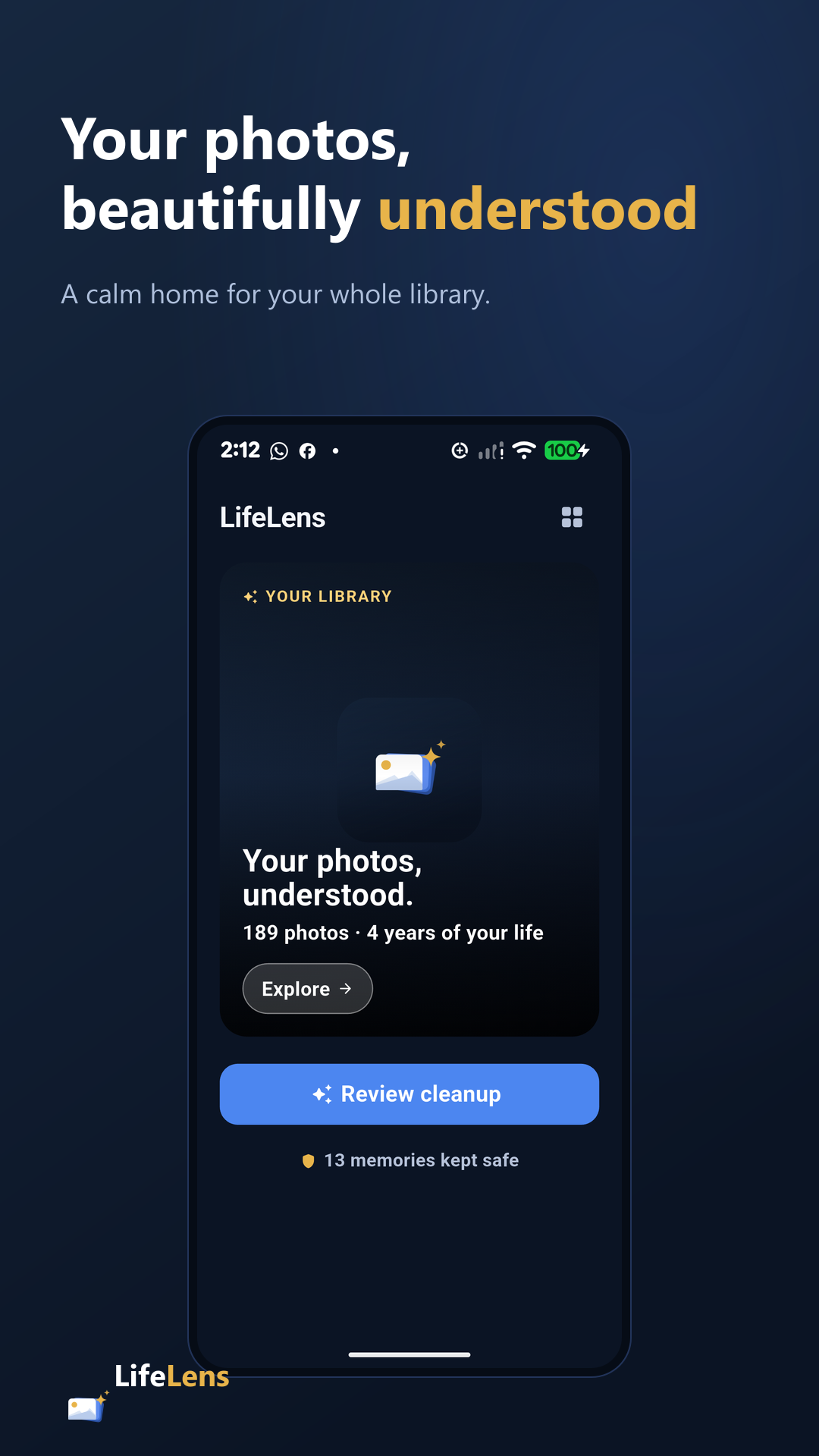
Photos stay on device
Review before removal
Uncertain means protect
No account required
01 / Product decision
It contains duplicates and screenshots, but also documents, relationships, and moments that cannot be recreated. LifeLens reduces the search space without pretending confidence where none exists.
Smaller review groups. Visible evidence. No automatic deletion.
Exact duplicates, similar shots, bursts, screenshots, large videos, and messaging clutter become focused review groups.
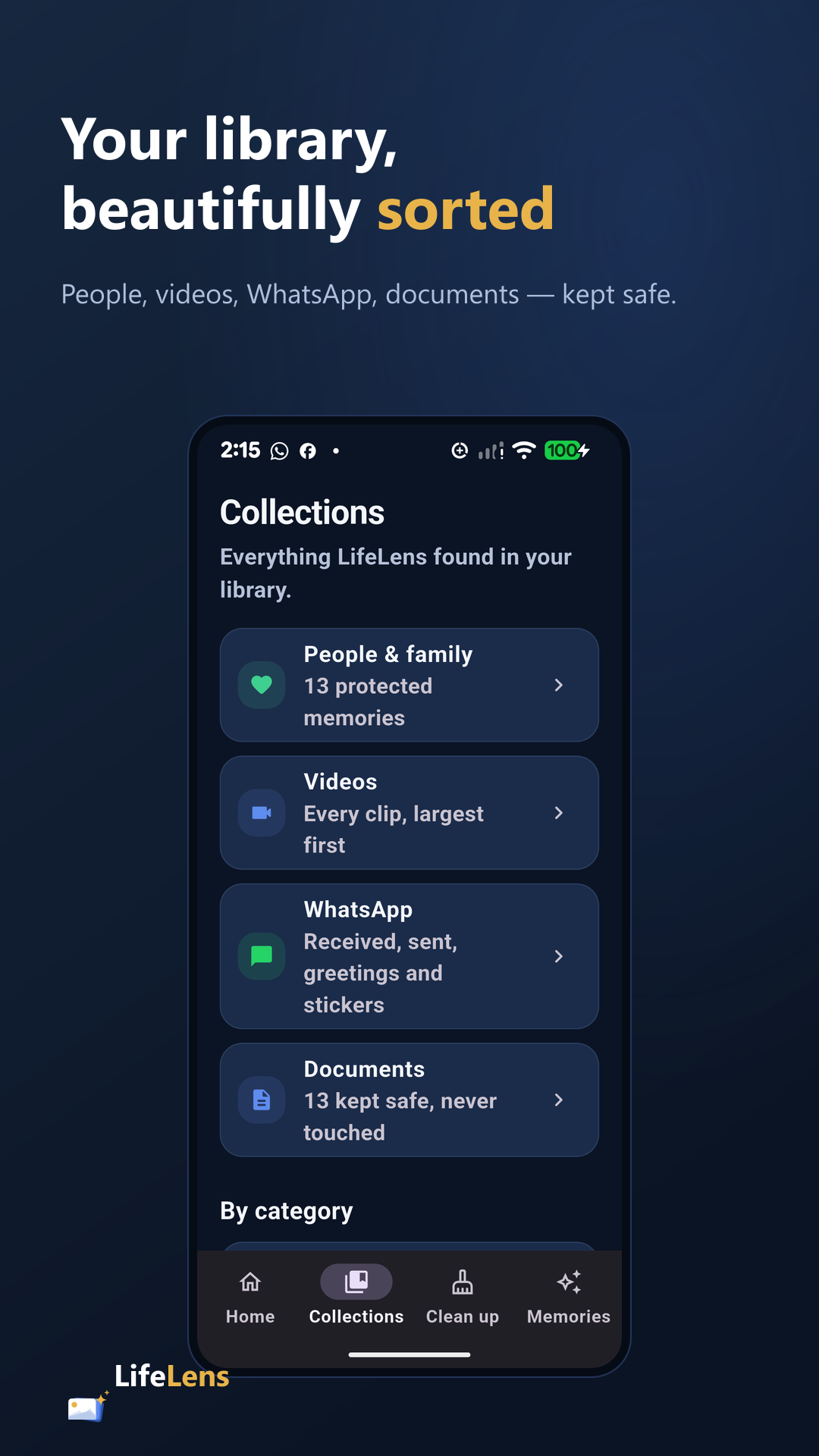
Important documents and high-value memories stay away from casual cleanup. Low confidence favors protection.
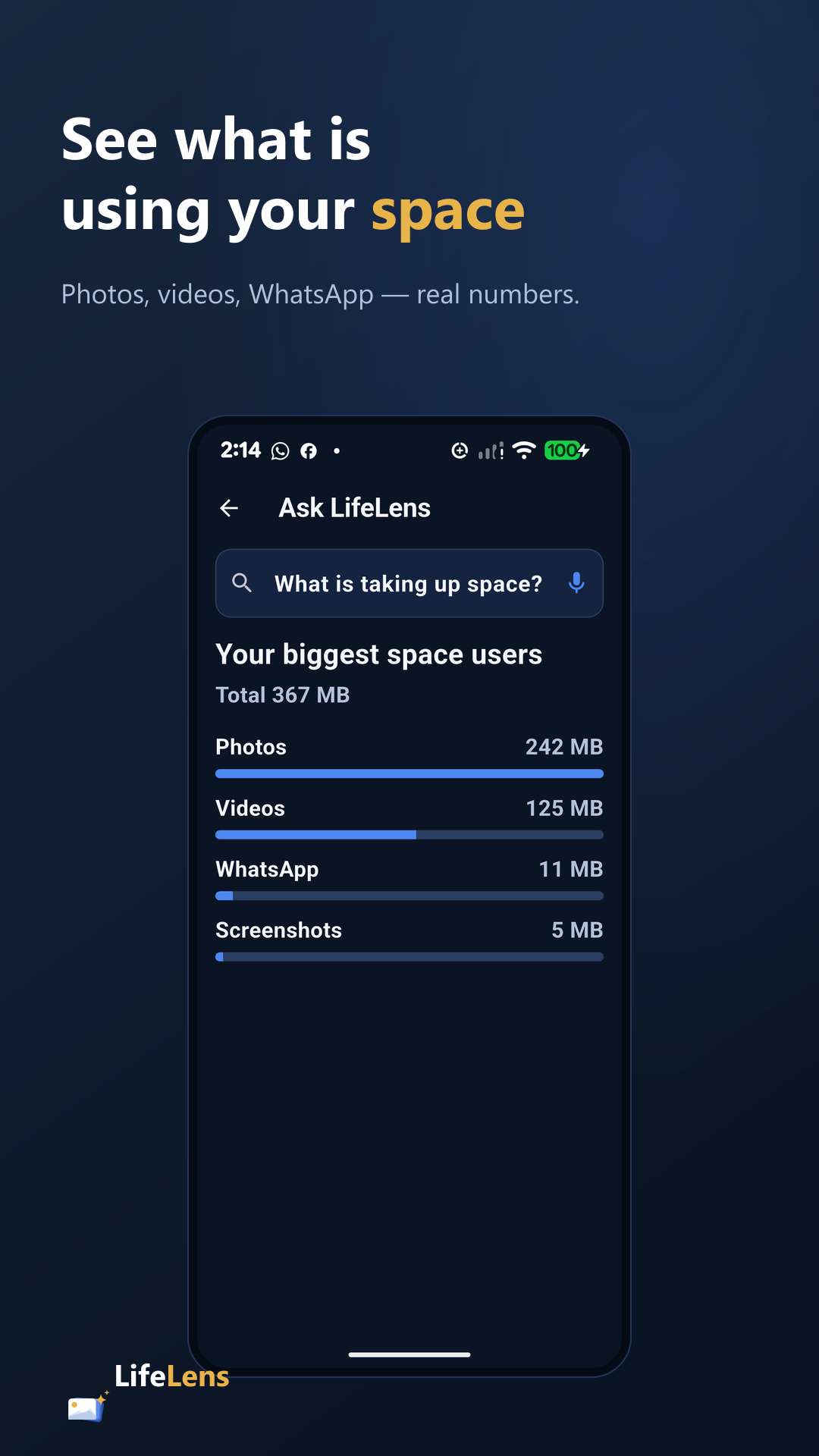
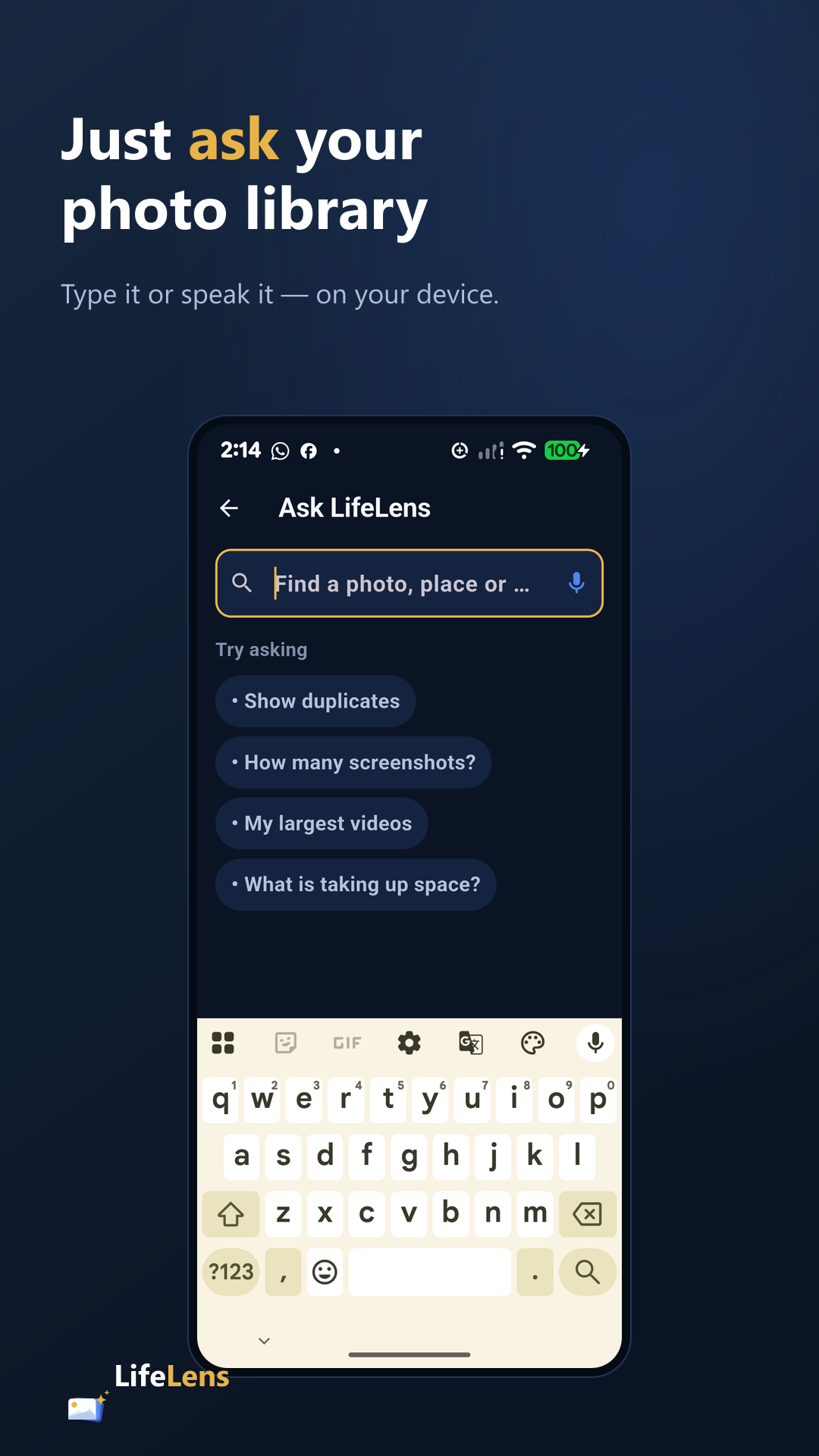
Text or voice questions use the library already indexed on the device to answer supported searches.
Similar photos stay review-only. Destructive actions use Android confirmation. The owner makes the call.
02 / Working interface
03 / Privacy architecture
The Android app analyzes the photo library on the device. Visual labels and local indexes support retrieval; location searches use available photo metadata.
Privacy policy ↗